Buffalo WLA2-G54C Manual de usuario
Busca en linea o descarga Manual de usuario para Routers Buffalo WLA2-G54C. Buffalo WLA2-G54C User manual Manual de usuario
- Pagina / 18
- Tabla de contenidos
- SOLUCIÓN DE PROBLEMAS
- MARCADORES

Indice de contenidos
54Mbps Wireless Bridge Base Station-gUser ManualWLA-G54
4.2.2 Packet Filter - This feature does not function on the AirStation Bridge Base StationLog Output - Activates the packet fi lter log. Filter setting
104.3.2 Name and PasswordAirStation name - When using Client Manager and mul-tiple AirStations, select a unique name to make it easier to identify eac
114.3.5 PING Test Destination - Enter IP address for test and click OK 4.3.6 Log InformationDisplay log info level - Select Error and/or Notify to spe
124.3.9 Initialization/RebootInitialization sets all parameters back to factory defaults. After initialization, the AirStation must be restarted. 4.4
WLA-G54 Specifi cationsPhysical Specifi cationsDimensions (LxWxH) 205 x 170 x 76 mmWeight: 1.37lbs (620 g) Te mperature & Humidity Operation 0¡ to
14• If this protocol is not yet installed, click the Add button and select the TCP/IP protocol from the list. Refer to Windows Help for more informati
Glossary 10BaseT or 100BaseTx: 802.3 based Ethernet network that uses UTP (Unshielded twisted pair) cable and a star topology. 10 is 10 Mbps and 100
RJ-45 connector: An 8-pin connector used between a twisted pair cable and a data transmission device. Bridge: Device that can connect individual LAN
Technical Support is available 24 hours a day, 7 days a week,Toll-Free: 866-752-6210 email: [email protected] W. Braker Ln. Suite 120Austin, Te
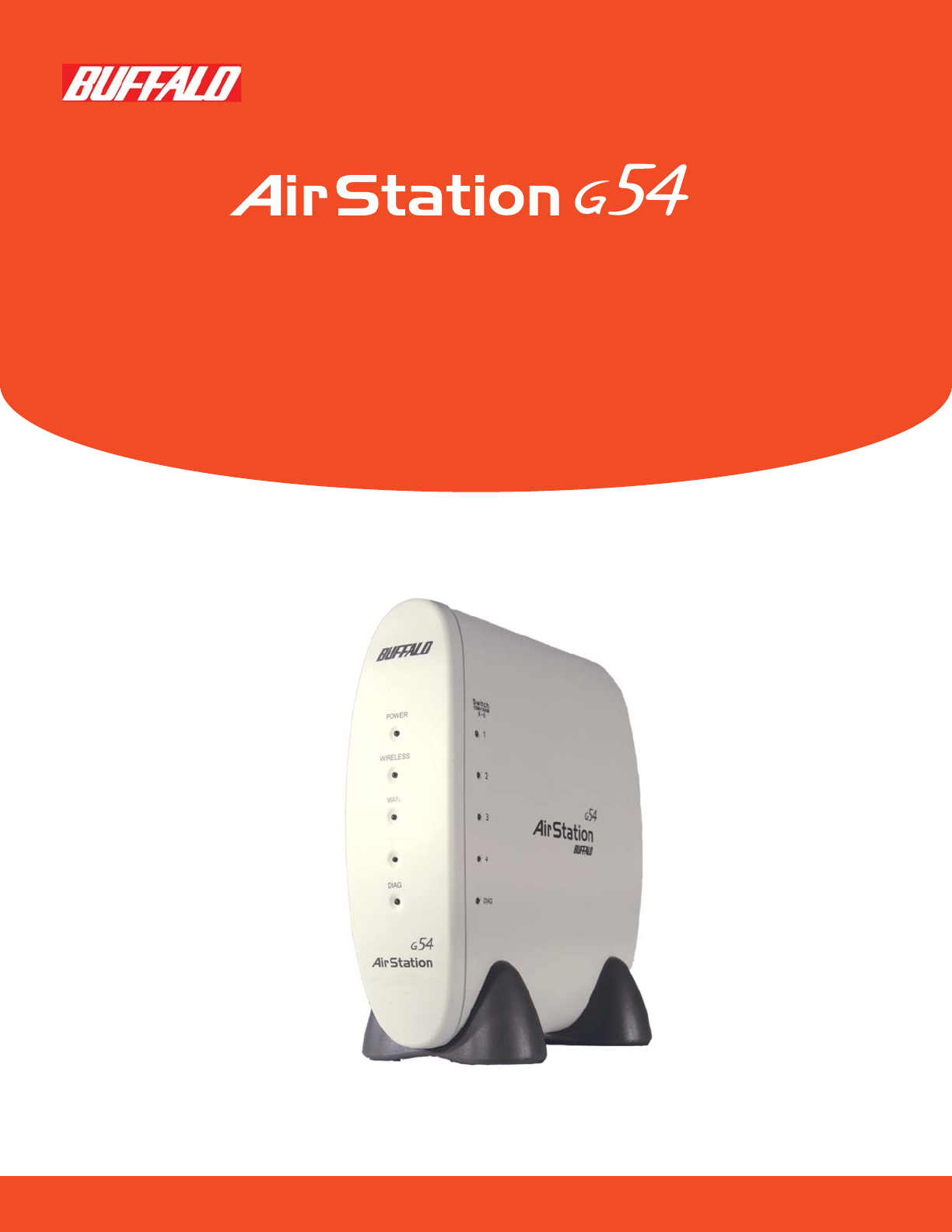
INTRODUCTION1.1 AirStation 54Mbps Bridge Base Station (WLA-G54)1This User Manual introduces you to the High-Speed AirStation 54Mbps Bridge Base Stati
1.5 About the AirStation CD Prior to copying or installing the software, please read the Software License Agreement “license.txt”, located in the roo
35. A login screen will appear.• Enter “root” as the User name.• Leave the Password box blank (do not enter anything into the Password box) and click
STANDARD SETTINGS 3.1 IntroductionSetting up the AirStation parameters using a Web Browser requires basic wireless confi guration knowledge. For Advan
USING AIRSTATION FOR ADVANCED CONFIGURATIONS Although your AirStation will function fine using only the settings from Section 3, you may wish to explo
Examples of WEP key:64bit ASCII: 5 digits of alphanumeric characters, “ab34Y”128bit ASCII: 13 digits of alphanumeric characters, “123456abcdef7” No
4.1.4 Wireless LAN Computer Lim i ta tionThis option limits the PCs allowed a wireless connection to the AirStation. It is used to control the wirele
4.2 Network Setting 4.2.1 Routing Setup - Routing is not functional with the AirStation BridgeRouting is the path data packets take between devices o
Mas documentos para Routers Buffalo WLA2-G54C
Relacionado con productos y manuales para Routers Buffalo WLA2-G54C
 (12 paginas)
(31 paginas)
(95 paginas)
(22 paginas)
(12 paginas)
(31 paginas)
(95 paginas)
(22 paginas)
 (81 paginas)
(9 paginas)
(81 paginas)
(9 paginas)
 (79 paginas)
(12 paginas)
(79 paginas)
(12 paginas)
 (2 paginas)
(58 paginas)
(118 paginas)
(109 paginas)
(93 paginas)
(133 paginas)
(6 paginas)
(2 paginas)
(58 paginas)
(118 paginas)
(109 paginas)
(93 paginas)
(133 paginas)
(6 paginas)


 (2 paginas)
© 2020, manymanuals.es. Todos los derechos reservados | 0.037 s |
 Manymanuals.com
 Manymanuals.de
 Manymanuals.fr
 Manymanuals.it
 Manymanuals.pl
 Manymanuals.cz
 Manymanuals.es
 Manymanuals-pt.com
Comentarios a estos manuales